How to deploy github page (index.html)
/ 1 min read
Table of content
Introduction
I want to deploy github page
What You Need
- Environment: nodejs
- A file
index.html
Step-by-Step Guide
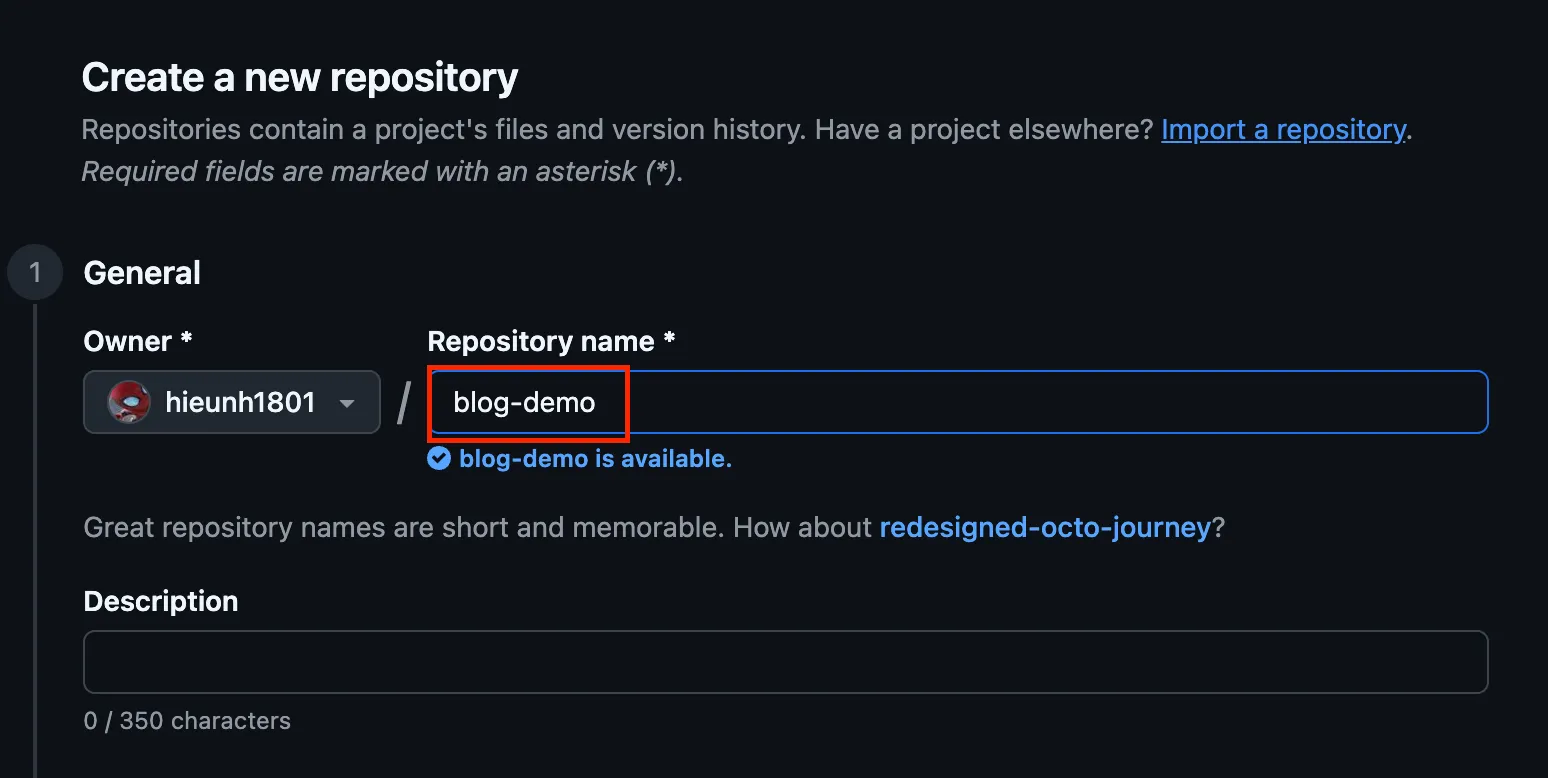
Step 1: Create new repository
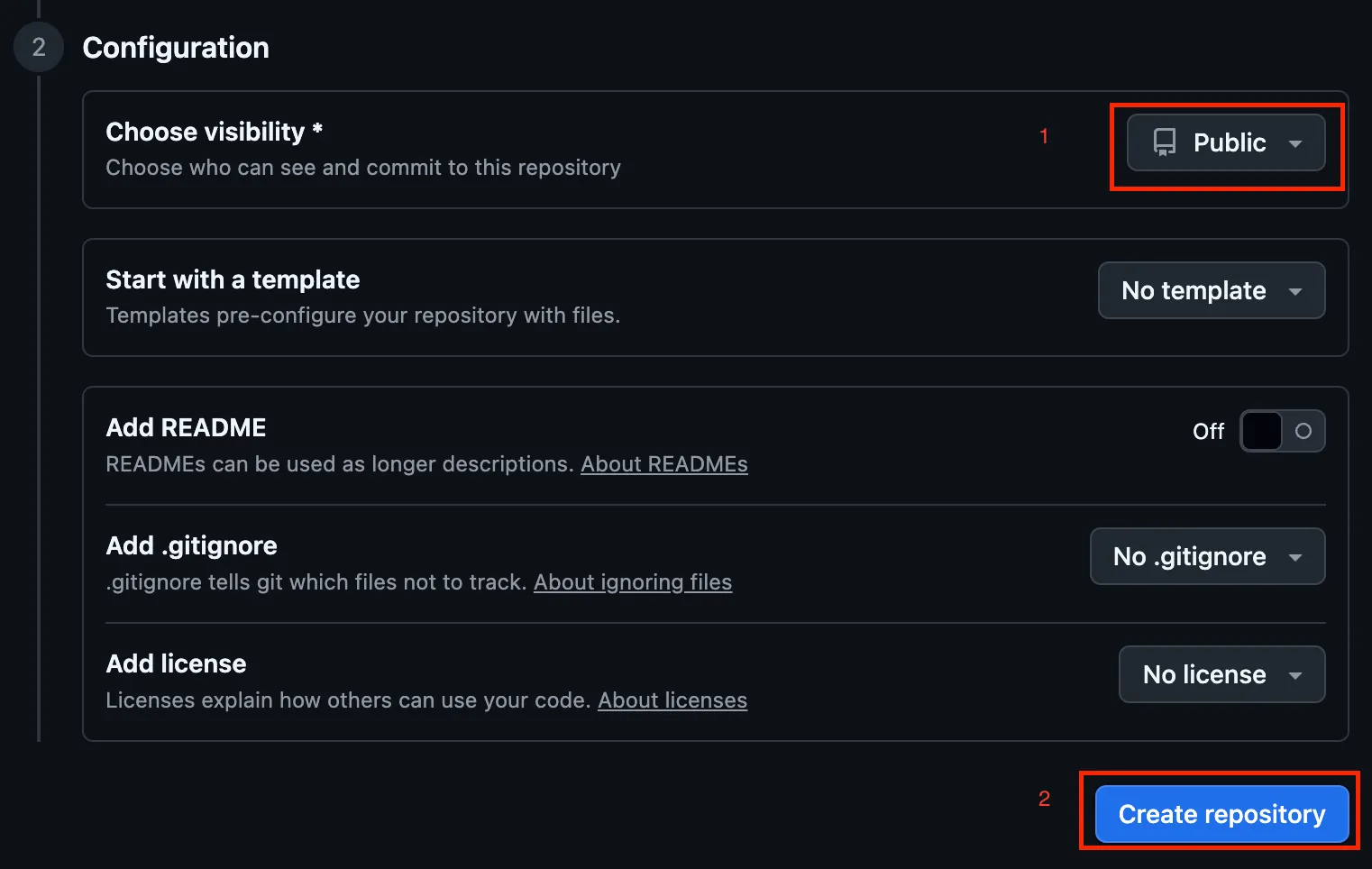 + Ensure that visibility is Publish => Otherwise you can’t see
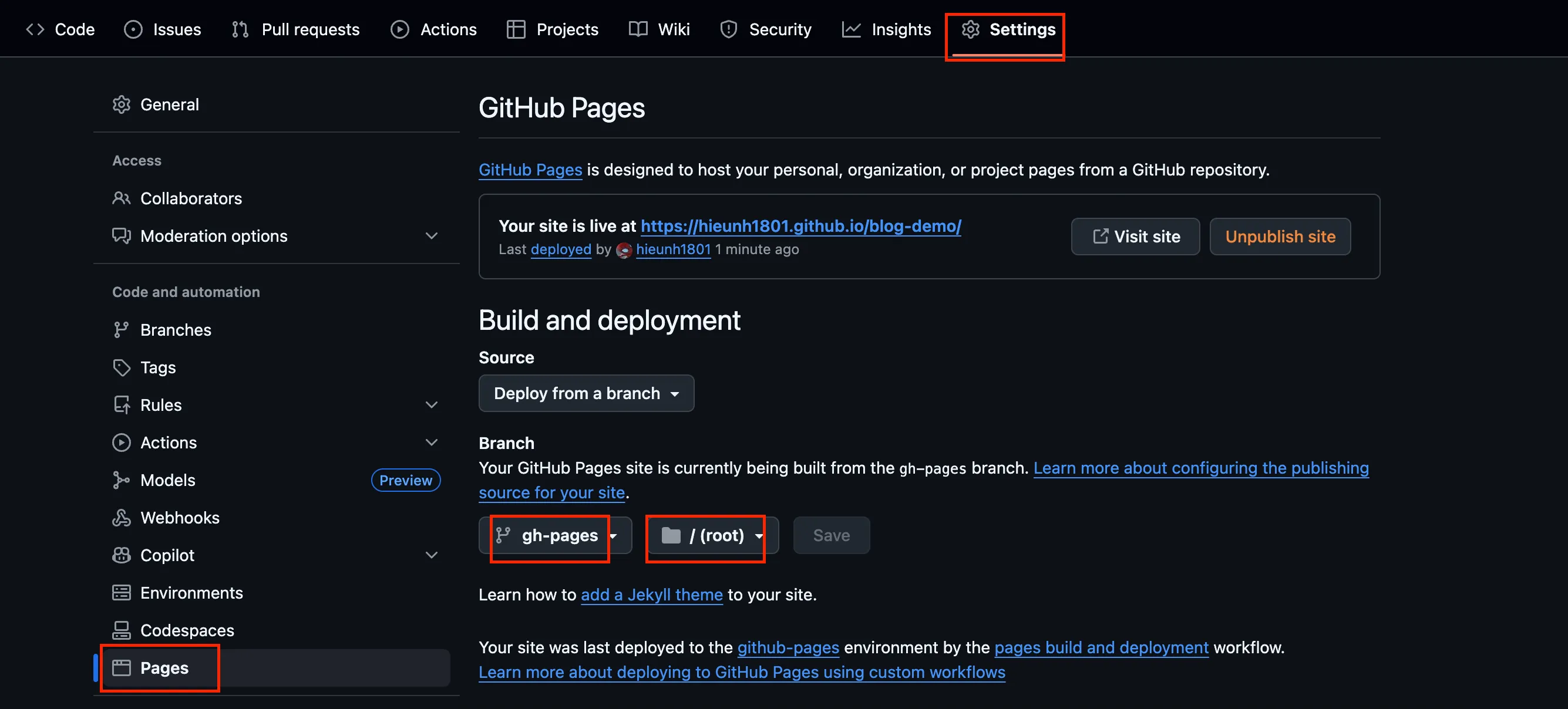
 Pages
Step 2: Clone to your local machine
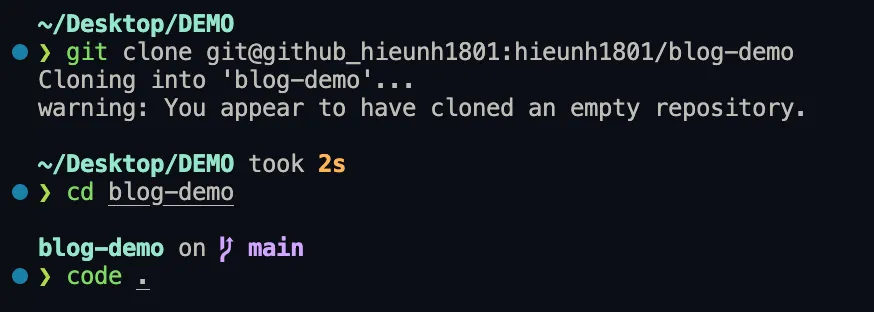
Step 3: Add index.html
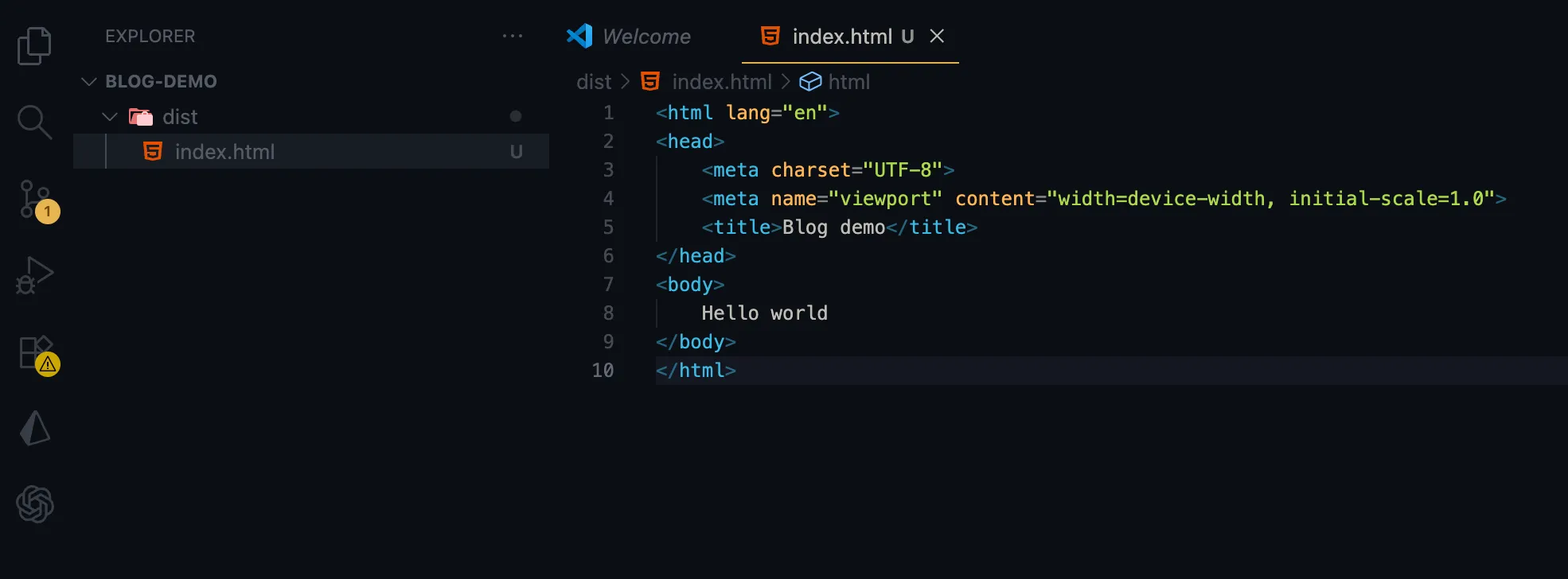
Step 4: Install gh-pages
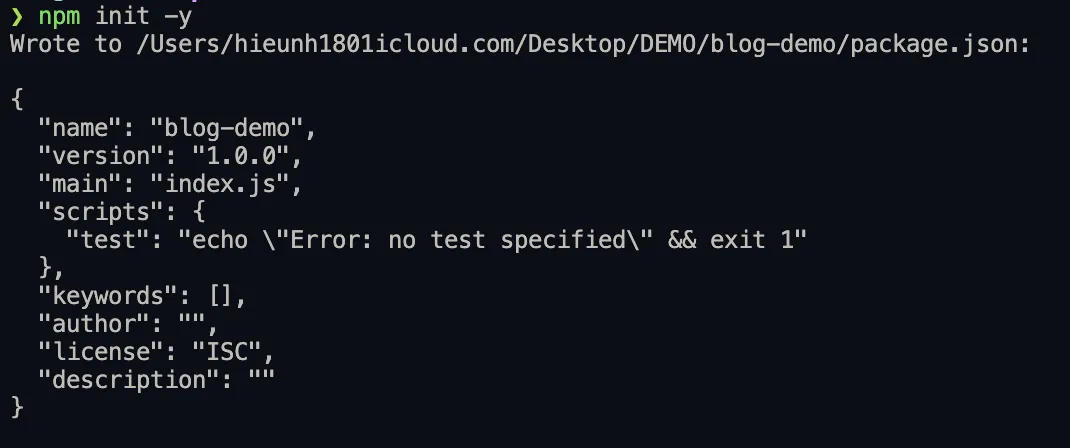
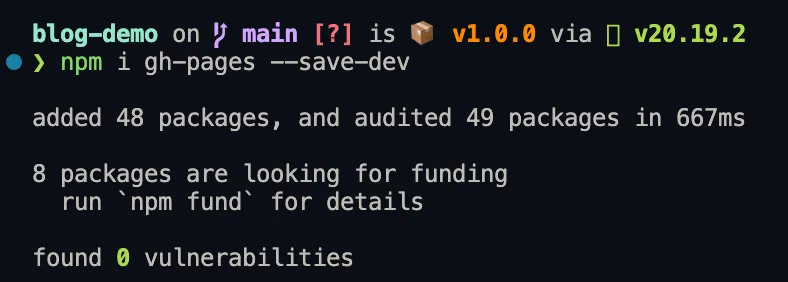
Step 5: Using gh-pages to publish

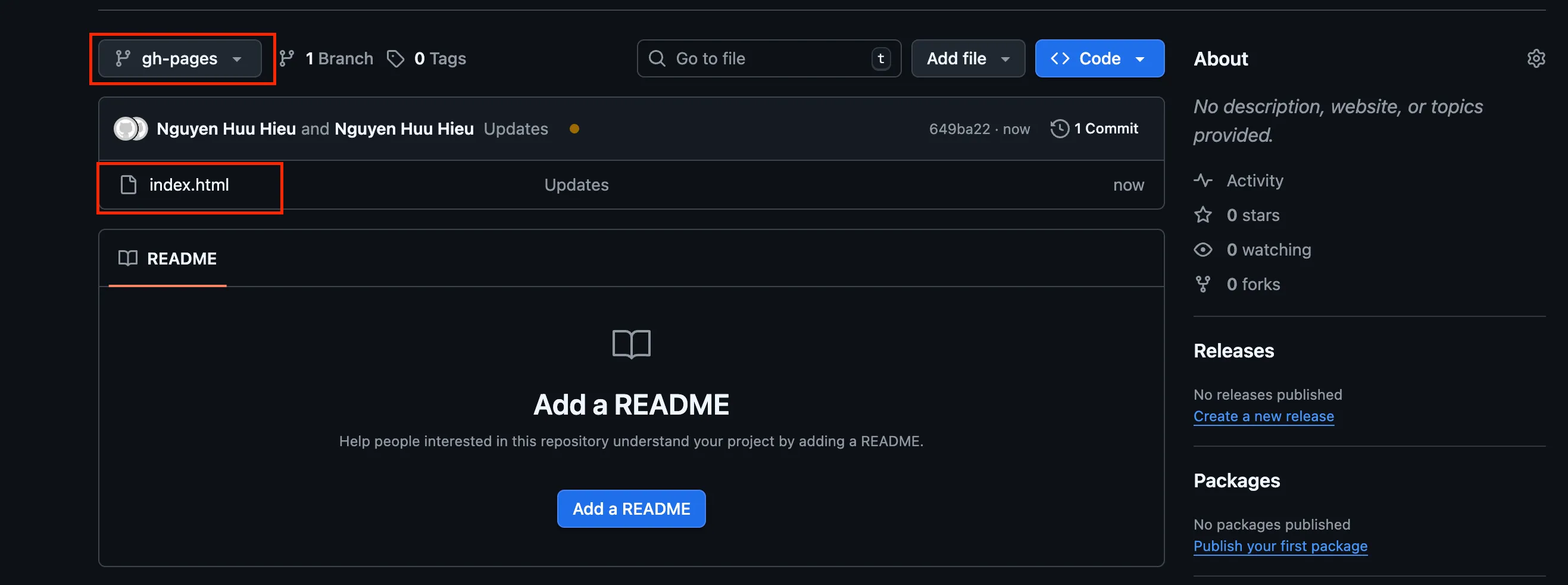
Step 6: Turn your repo become pages

Tips & Common Mistakes
Common 1: Cannot find resource (html, js, css, …) in folder start with _ like _astro
- Reason: gh-pages normaly use
jekyll=> It automaticlly ignore folder start with_for security issues. - How to fix:
- Add
.nojekyllto dist folder - Update command
gh-pages -d dist --dotfilesto publish —dotfiles
- Add
Conclusion
- Let me know more if you have any issues. Thanks.